In 3D modeling and animation, seamless file‑format conversion is essential for efficient pipelines. Artists, developers, and designers often need to change Wavefront OBJ files— which store only static geometry—into FBX files that support animations, cameras, lights, and complex material setups. This conversion enables smooth import into game engines, film‑production tools, and AR/VR platforms.
Our free, web‑based OBJ to FBX converter delivers a quick, hassle‑free solution. No installation, no plugins—just upload an OBJ file and receive a ready‑to‑use FBX file in seconds.
Why Use the OBJ to FBX Converter?
- Game Engine Compatibility: Unity, Unreal Engine, and other modern engines favor FBX because it retains animation rigs, skeletal data, and scene hierarchy, while OBJ is limited to static meshes.
- Full Animation Support: FBX can embed keyframe animation, blend shapes, and rigging information, allowing immediate use in animated projects.
- Consistent Materials & Textures: OBJ relies on separate MTL files; FBX stores material definitions directly, reducing texture‑linking errors across applications.
- Cross‑Platform Workflow: Convert once and reuse the FBX file across Windows, macOS, and Linux‑based tools without additional conversion steps.
Free OBJ to FBX Converter
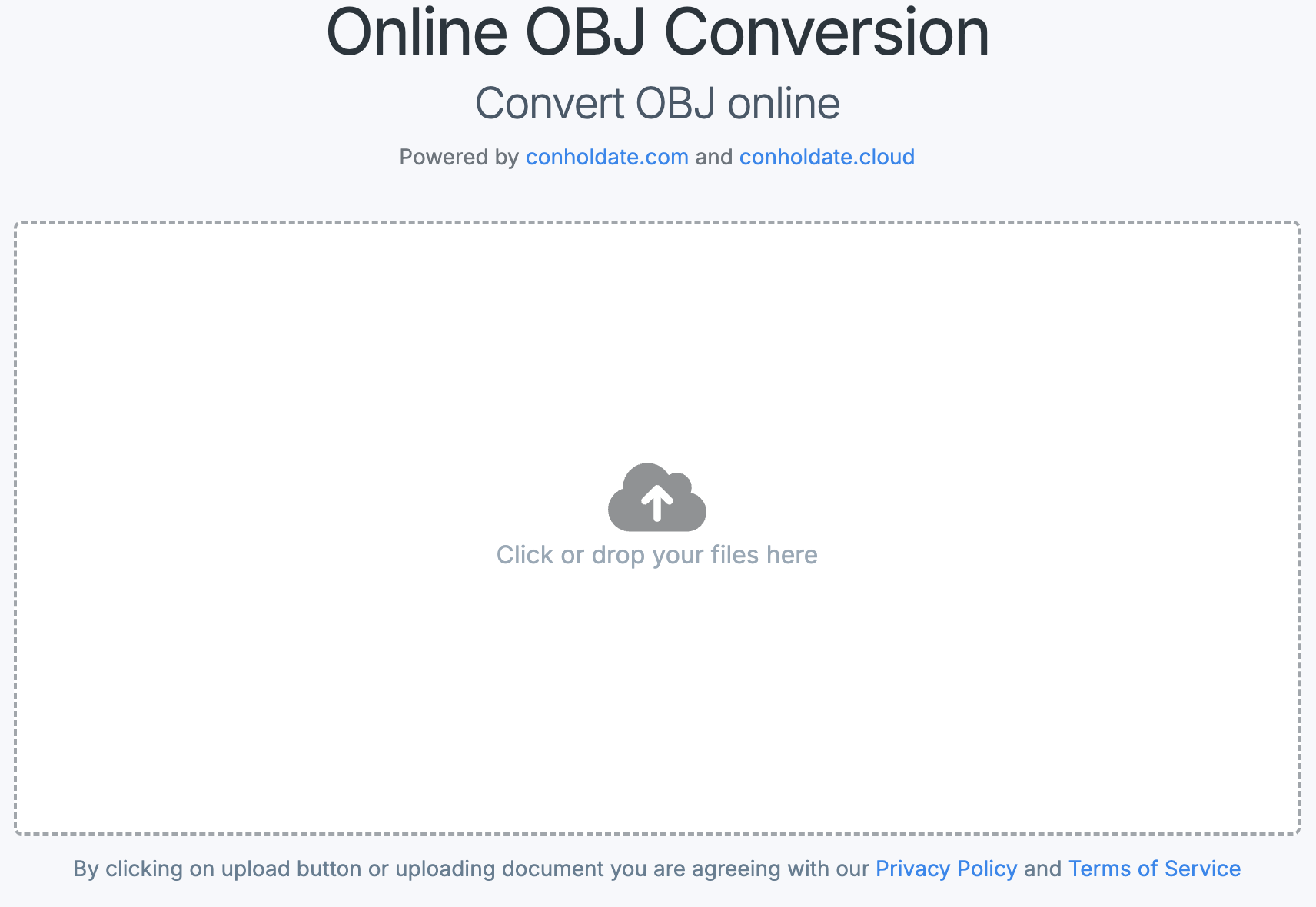
Convert Wavefront OBJ files with the Free OBJ to FBX Converter Online application:
How to Convert OBJ to FBX Online
Follow these simple steps to transform your model:
- Open the Online Converter: Navigate to the OBJ to FBX conversion page.
- Upload Your OBJ File: Drag and drop the file or click the upload area to select it.
- Start the Conversion: Press the “Convert” button; the server processes the file securely.
- Download the FBX File: Once conversion finishes, click the download link to save the FBX output.
The tool runs entirely in the browser, eliminates the need for heavyweight 3D software, and automatically deletes your files after a short period to protect privacy.
Developer’s Guide: Convert OBJ to FBX in C#
Integrate OBJ‑to‑FBX conversion directly into your .NET applications using Conholdate.Total:
- Install Conholdate.Total for .NET via NuGet.
- Load the source OBJ file into a
Sceneobject. - Configure
FbxSaveOptionswith the desired FBX version. - Save the scene as an FBX file.
 // Create an instance of the Scene class
 Scene scene = new Scene();

 // Load the input OBJ file
 scene.Open("Sample.obj");

 // Initialize save options
 var fbxSaveOptions = new FbxSaveOptions(FileFormat.FBX7500ASCII);

 // Save FBX file.
 scene.Save("Sample_out.fbx", fbxSaveOptions);
Summing Up
Converting OBJ to FBX online is now faster and more accessible than ever. This browser‑based utility helps artists and developers maintain workflow efficiency, improve cross‑application compatibility, and avoid unnecessary software installations. Whether you’re building a game, creating an animated short, or preparing a 3D visualization, the free online converter lets you focus on creativity while the FBX format handles the technical complexity.
Ready to turn static OBJ models into fully featured FBX assets? Try the converter today and streamline your 3D pipeline.