Microsoft Word offers editable content, advanced formatting, searchable text, and broad compatibility—making it a preferred format for many users. If you need to turn your PDF files into Word documents (DOC or DOCX), our free PDF to Word online converter provides a fast, secure solution. This guide also includes a developer’s section showing how to integrate our PDF conversion library into your own applications.
We will cover the following points:
Using Online PDF to Word Converter
You can use our free PDF converter tool to convert your PDFs to DOC or DOCX file formats.
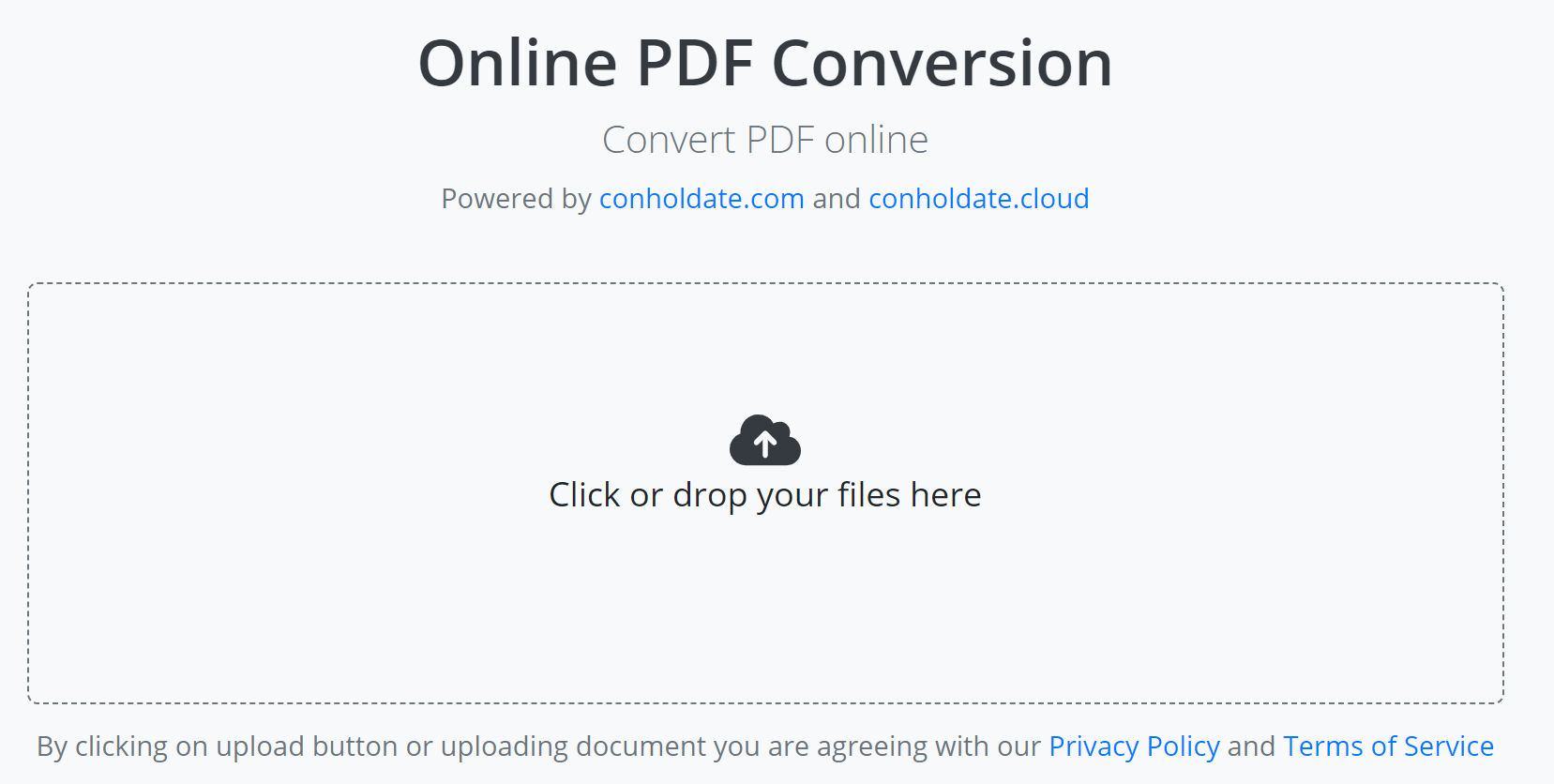
Follow these simple steps to get an editable Word file:
- Open the online converter in any web browser.
- Upload your PDF file (drag‑and‑drop or browse from your device).
- Click Convert to transform the PDF into DOC or DOCX.
The converter works directly in the browser—no download required. Our secure server protects your uploaded data, and files are automatically deleted after 24 hours. The tool supports files up to 100 MB and preserves original layout, tables, and images.
Developer’s Guide: Online PDF to Word Converter
Below are code examples that demonstrate how to integrate PDF to Word conversion into C# and Java applications using Conholdate.Total.
C# Tutorial: Convert PDF to Word
The following steps and code sample show how to export a PDF file to DOCX format in C#.
- Install Conholdate.Total for .NET in your project.
- Use the code below to load a PDF file and convert it to DOCX.
Convert PDF to Word in Java
Java developers can follow these steps to convert a PDF file to DOC or DOCX.
- Install Conholdate.Total for Java in your application.
- Use the code snippet below to load and convert PDF files.
FAQs
How to convert PDF to Word online?
Upload your PDF, click the Convert button, and the tool will automatically download the converted DOC or DOCX file.
What will you do with uploaded files after conversion?
All uploaded files are securely stored and automatically removed after 24 hours, ensuring your data remains private.
How can I create my PDF to Word converter?
You can build a custom converter using our standalone .NET or Java libraries, which provide full control over the conversion process.
Can I get a license to evaluate the library?
Yes, you can obtain a free temporary license to test the API without any evaluation restrictions.
Ask a Question
You can let us know your questions or queries on our forum.