
Barcodes are essential for inventory control, point‑of‑sale efficiency, and supply‑chain visibility. Now you can generate high‑quality barcodes without installing any software or hardware. This guide shows how to create barcodes instantly with a free online barcode generator and how to integrate barcode generation into .NET C# or Java applications.
Free Barcode Generator Online
Our free online barcode generator lets you produce barcode images directly in a web browser on any device. No installation required—just an internet connection.
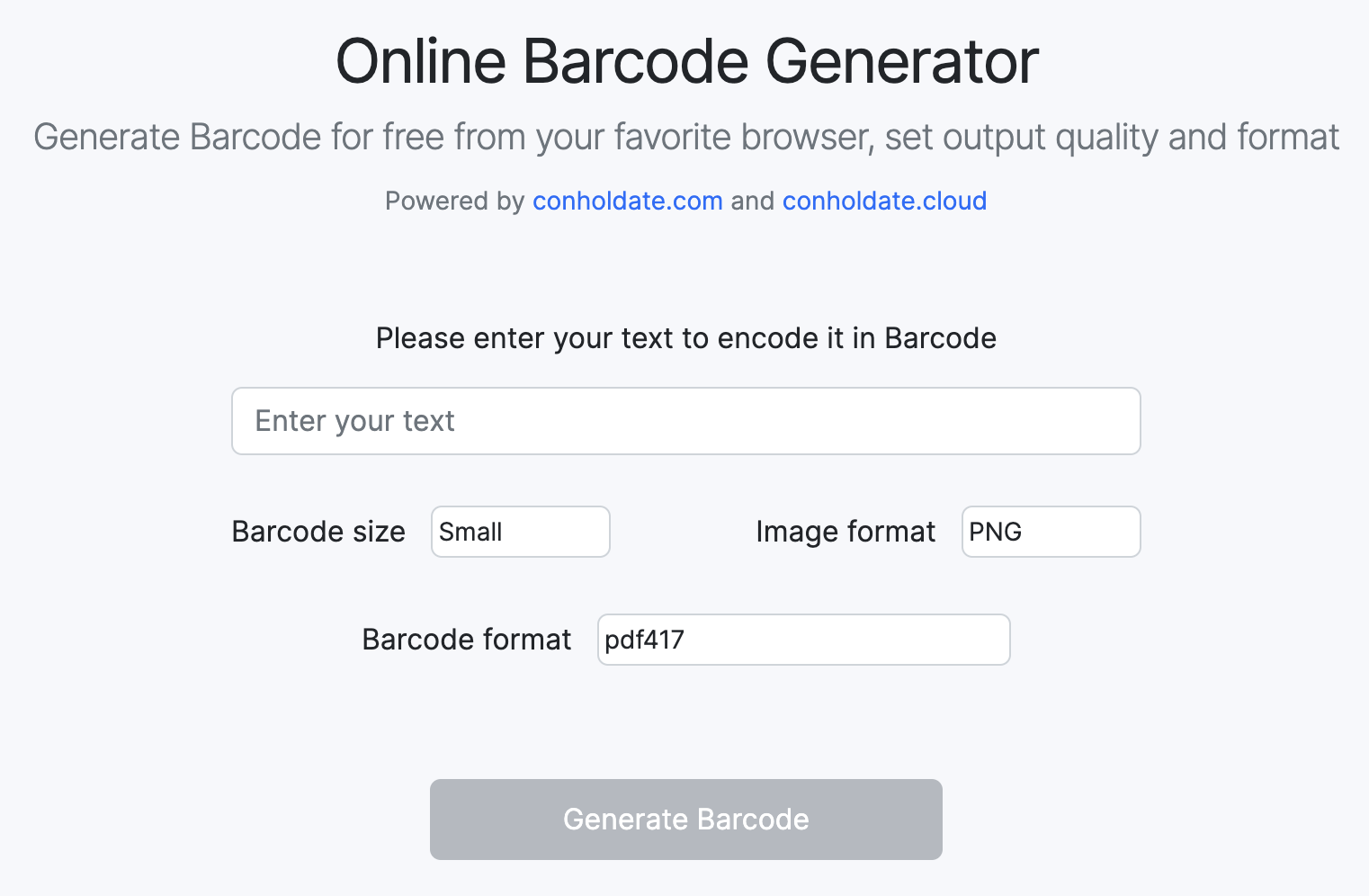
- Load the free online Barcode generator app using any internet browser.
- Enter the text to encode in the barcode.
- Set the barcode size and image format.
- Select the barcode format from the dropdown list.
- Click the Generate Barcode button and download the output barcode image or copy its link.
PS: The link to access the file online will is a temporary link which will expire after 24 hours as we do not store any of your data.
Why Create Barcodes Online?
Accessibility: Access the barcode generator from any location with internet, eliminating the need for dedicated software or hardware.
Cost-Efficiency: Generate barcodes for free, reducing expenses compared to paid desktop solutions.
Convenience: User‑friendly interface requires minimal technical knowledge, enabling quick barcode creation.
Versatility: Supports multiple barcode standards (UPC, EAN, Code 128, QR Code, Data Matrix) for broad application compatibility.
Generate Barcode in C#
You can generate barcode in C# by following the steps below:
- Install Conholdate.Total for .NET in your project.
- Initialize an object of the BarcodeGenerator class.
- Set resolution for the output barcode.
- Save the output barcode.
The code snippet below elaborates how to generate barcode in C#:
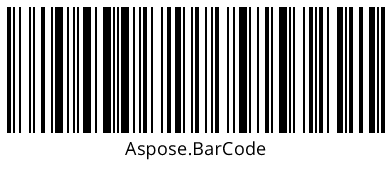
The screenshot below presents sample barcode created in C#:
Generate Barcode in Java
You can easily generate barcode in Java with a few API calls while following the steps below:
- Install Conholdate.Total for Java in your project.
- Create an object of the BarcodeGenerator class.
- Set barcode resolution or other required features.
- Export the output barcode.
The following sample code shows how to generate barcode in Java:
Free Evaluation License
You may get a free temporary license to test the APIs to their full capacity.
Summing Up
Generating barcodes online is now simple, fast, and cost‑free. Whether you are a retailer, supply‑chain manager, or developer, the free online barcode generator provides a quick solution. You can also embed the same barcode creation capabilities into C# or Java applications. For questions, contact us via the forum.
FAQs
What is online barcode generator?
The online barcode generator is a web‑based tool that allows you to create barcodes for various purposes without the need for specialized software or hardware. It simplifies the process of generating barcode images for products, inventory, or other applications.
How does this online barcode generator work?
This Online barcode generator uses algorithms to convert input data, such as numbers or text, into a barcode image. Users input their data, select a barcode type, customize settings if necessary, and the generator produces a barcode image that can be downloaded or printed.
What types of barcodes can I create with this online barcode generator?
This barcode generator supports a lot of common barcode types like UPC, EAN, Code 128, QR Code, and Data Matrix, etc.
What are some common use cases for barcodes generated online?
Common use cases for online-generated barcodes include product labeling, inventory management, ticketing and event management, asset tracking, and mobile marketing (e.g., QR codes for websites or promotions).