How to Edit Excel Sheet in Node.js
MS Excel is essential for businesses because it supports data entry, calculations, analysis, reporting, and task management. Users can perform financial analysis and visualize results with charts. Since data changes frequently, spreadsheets must be updated often. Automating these updates saves time. In this article, we will show how to edit Excel Sheet in Node.js programmatically.
We will cover the following topics:
- Node.js library to edit Excel file
- Search and replace in Excel using Node.js
- How to edit cells in Excel programmatically?
- Clear data from Excel spreadsheet
Node.js library to edit Excel file
Run the commands below to install the Node.js Excel library and start editing Excel files programmatically.
npm install aspose.cells
npm install java
Follow this blog post for complete setup information and prerequisites.
Note: Place a source XLSX file (e.g., “sample.xlsx”) in the root directory of your project.
Search and replace in Excel using Node.js
Follow these steps to search and replace values programmatically.
- Import and create an object of the Cells class.
- Instantiate the WorkBook class with an XLSX file.
- Call the replace(placeHolder, newValue) method to find and replace text.
- Save the workbook with the save(fileName) method.
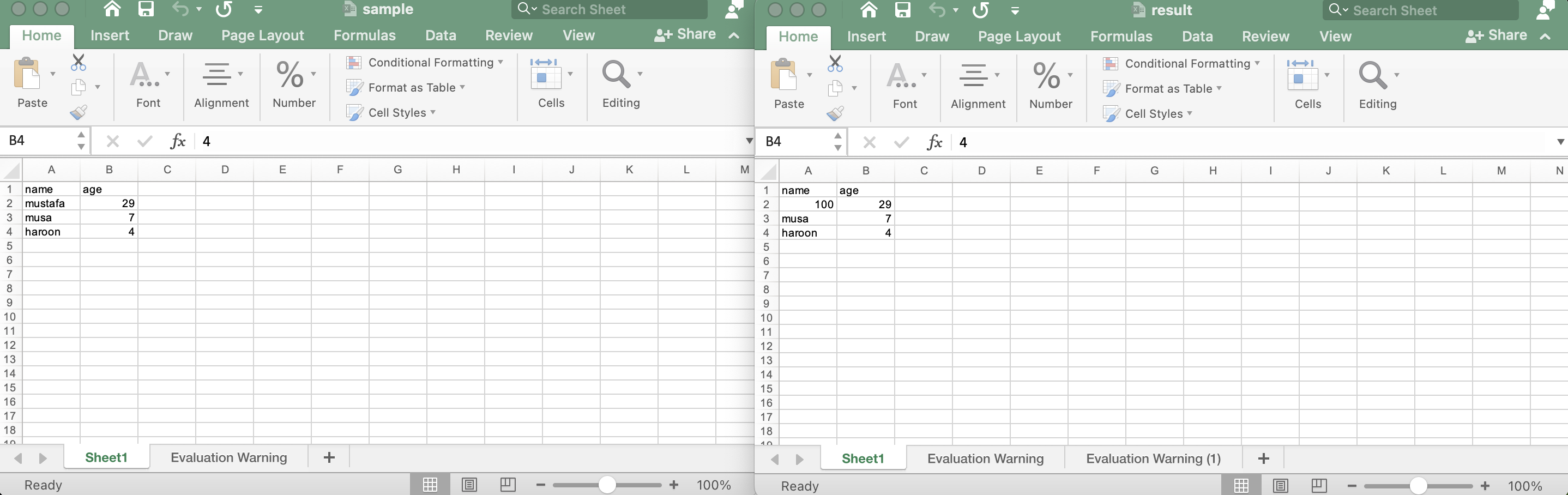
The code sample below demonstrates search and replace in an Excel file using Node.js.
Start the server and view the result as shown in the image.
How to Edit Excel Sheet in Node.js
How to edit cells in Excel programmatically?
The Node.js Excel library also lets you update a specific cell. Follow these steps:
- Create an object of the Cells class.
- Instantiate the WorkBook class with an XLSX file.
- Access the workbook, get the cells via
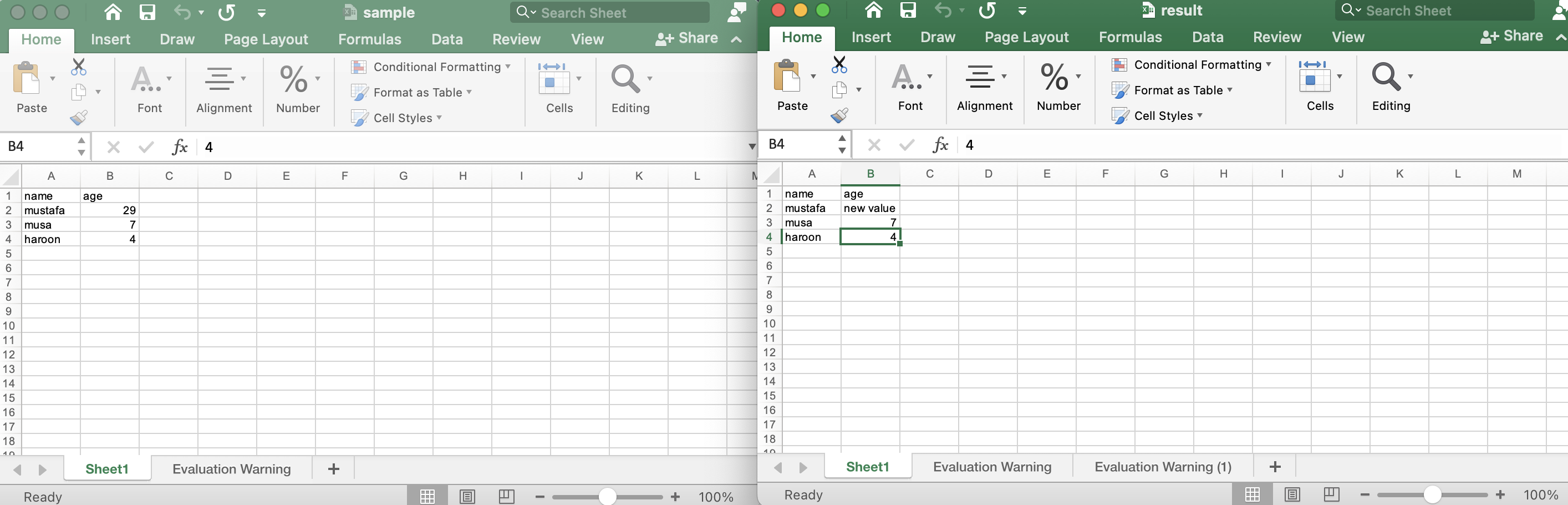
getCells(), and call the putValue(string) method to set a value (e.g., cell B2). - Save the workbook with the save(fileName) method.
The output will look like the image below.
Edit cells in Excel programmatically
Clear data from Excel spreadsheet
This section shows how to clear all data from an Excel sheet using Node.js.
- Create an object of the Cells class.
- Instantiate the WorkBook class with an XLSX file.
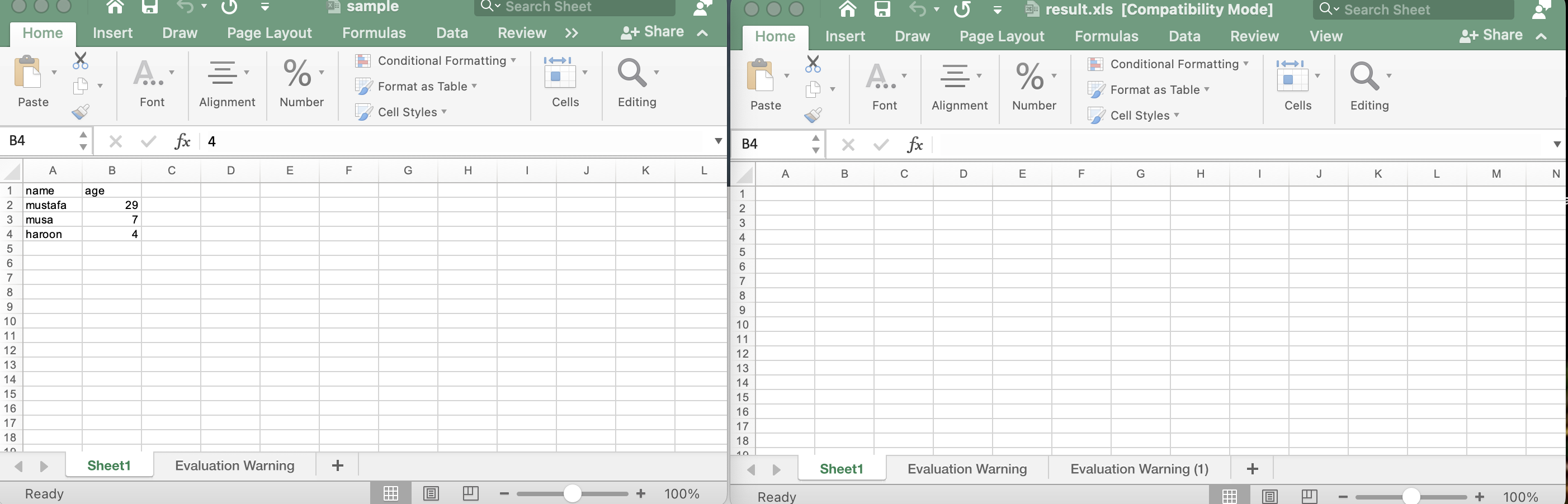
- Call the clear() method to remove all cell and row objects.
- Save the workbook with the save(fileName) method.
Run the server and you will see the result shown in the image.
Clear data from Excel sheet using Node.js library
Get a Free License
You can obtain a free temporary license to use Aspose.Cells for Node.js without evaluation limits.
Conclusion
This article demonstrated how to edit Excel Sheets in Node.js programmatically. Using the Node.js Excel library, we edited specific cells and cleared worksheet data. Explore additional methods in the API here. Stay updated with new topics on conholdate.com.
Ask a question
If you have any questions, please visit the forum.