Digital files often embed hidden metadata that can expose author names, edit history, creation dates, software versions, or even GPS coordinates in images. While these details may appear harmless, they pose privacy and security risks when files are shared publicly or with third parties. Removing—or scrubbing—this metadata before distribution protects sensitive information. Conholdate now offers a free online metadata cleaner that makes this process fast and secure.
Free Online Metadata Scrubber
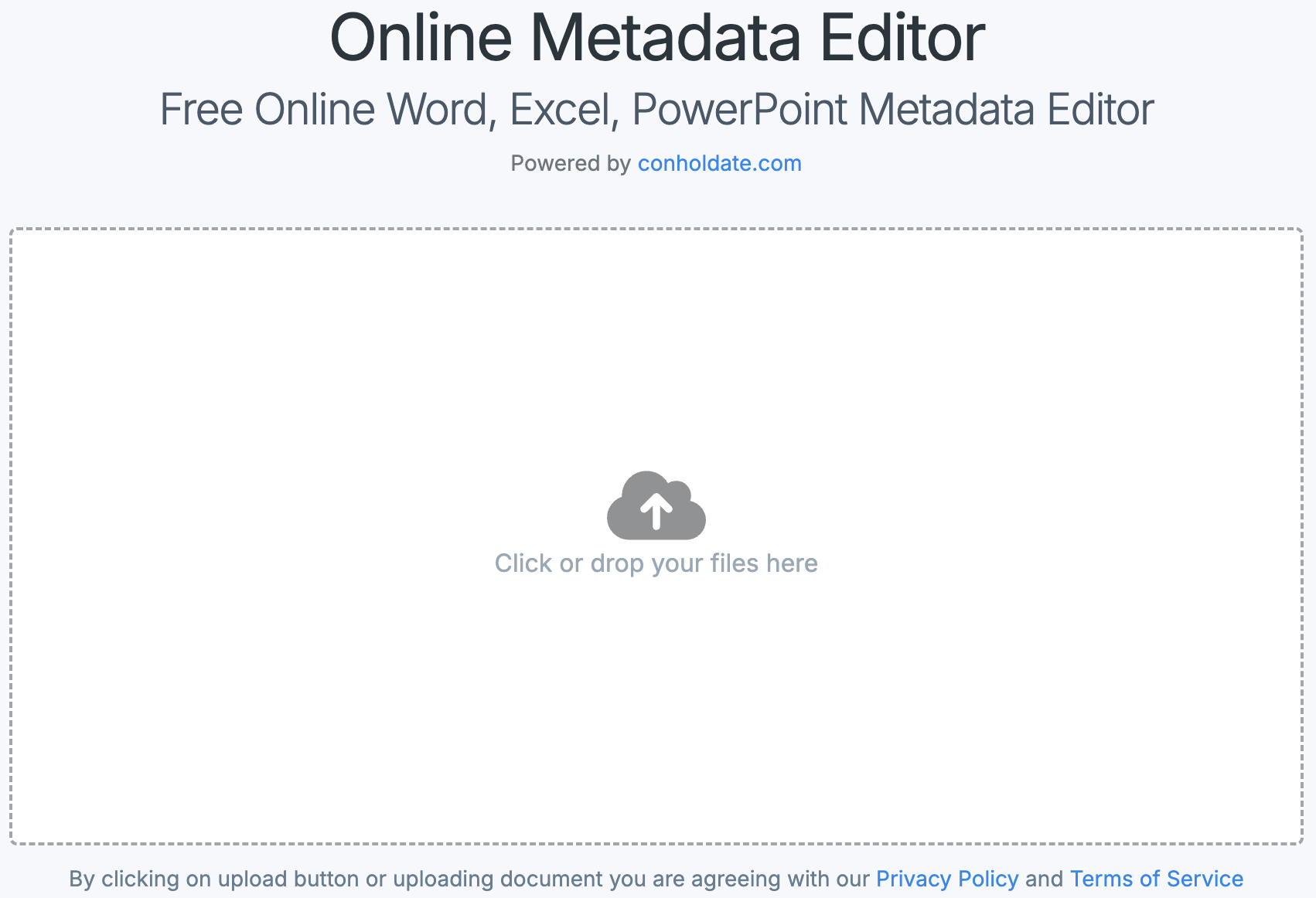
The Conholdate Metadata Scrubber lets you detect and remove metadata from a wide range of document types without installing any software. Supported formats include PDF, DOCX, XLSX, PPTX, and many others. Whether you need to clean a single file as an occasional user or require programmatic access through the Conholdate.Total .NET or Java SDKs, this tool delivers flexibility and reliability.
The workflow is straightforward: upload your file, review the detected metadata, and click a single button to purge all hidden data. The result is a clean document that retains its original layout and formatting, eliminating the need for third‑party utilities.
Why Scrub Metadata from Your Files?
- Protect privacy before sharing: Unintended metadata can reveal personal or confidential details. Scrubbing ensures your documents stay private.
- Meet compliance requirements: Many industries mandate the removal of metadata prior to external distribution. A metadata scrubber helps you stay compliant.
- Block unwanted tracking: GPS coordinates, device identifiers, and timestamps can expose the file’s origin. Removing them prevents tracking.
- Enhance professionalism: Clean files look more polished, giving presentations, contracts, and reports a refined appearance.
Developer’s Guide: Remove Metadata Programmatically
Developers can integrate metadata cleaning directly into their applications using the Conholdate.Total SDKs for .NET or Java. Below are concise examples for both platforms.
Scrub Metadata in C#
The Conholdate.Total for .NET SDK provides a simple API to cleanse PDFs, Word, Excel, PowerPoint, and other documents. The following snippet demonstrates how to remove all detectable metadata with C#:
/*
* Clean all the detected metadata properties from Word, Excel,
* PowerPoint, PDF, and other documents using C#
*/
using (Metadata metadata = new Metadata("filePath/document.pdf"))
{
	var affected = metadata.Sanitize();

    // Save the output document with no metadata
	metadata.Save("filePath/output.pdf");
}
This code loads a file, sanitizes every metadata field, and saves a new version that is completely free of embedded information—ideal for automated document workflows.
Delete Metadata from Documents Using Java
For Java developers, the Conholdate.Total for Java SDK offers equivalent functionality. The example below shows how to load a file, sanitize its metadata, and write the cleaned output:
/*
* Remove all the detected metadata properties from Word, Excel,
* PowerPoint, PDF, and other documents using Java
*/
Metadata metadata = new Metadata("filePath/document.pdf");
int affected = metadata.sanitize();

// Save the output document with no metadata
metadata.save("filePath/output.pdf");
The method erases all known metadata elements, producing a clean file suitable for compliance‑driven or security‑focused applications.
Conclusion
Metadata may be invisible, but it can create serious privacy and compliance challenges if left unchecked. Whether you are a business professional, a student, or a software developer, cleaning metadata before sharing is essential. Conholdate’s free online metadata scrubber removes hidden data from a broad range of file types without any installation. Developers can also leverage the Conholdate.Total SDKs to embed metadata sanitization directly into .NET or Java solutions. Protect your information, maintain a professional image, and stay compliant with just a few clicks or a few lines of code.