
Excel spreadsheets store large amounts of tabular data. Sometimes you need to locate cells that contain specific values or strings programmatically in Java. This article shows how to search data in Excel using Java.
The following topics are covered:
- Java API to Search Data in Excel
- Find Specific Text in Excel using Java
- Find Text Starting with Specific Letters
- Search Text Ending with Specific Letters
- Find Text containing Specific Letters
- Search with Regular Expression in Excel using Java
- Case-Sensitive Search in Excel using Java
- Search Formula in Excel using Java
Java API to Search Data in Excel
We use the Aspose.Cells for Java API to search an XLSX file. It provides Excel automation without Microsoft Excel. Download the JAR from the link below or add the Maven dependency.
<repository>
    <id>AsposeJavaAPI</id>
    <name>Aspose Java API</name>
    <url>https://repository.aspose.com/repo/</url>
</repository>
<dependency>
    <groupId>com.aspose</groupId>
    <artifactId>aspose-cells</artifactId>
    <version>22.1</version>
</dependency>
Find Specific Text in Excel using Java
Steps to search any text, number, or date:
- Load the workbook with the Workbook class.
- Access the first worksheet.
- Get the sheet’s cells.
- Create a FindOptions instance.
- Set LookAtType to “ENTIRE_CONTENT”.
- Call Cells.find() with the search string and FindOptions.
The code sample demonstrates how to find a specific text in an Excel file using Java.
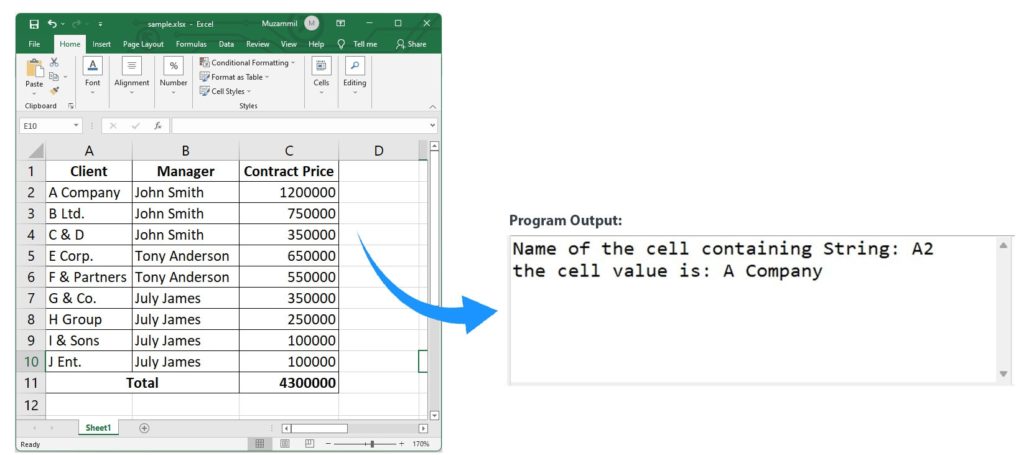
Find Specific Text in Excel using Java.
Find Text Starting with Specific Letters
To locate text that begins with certain letters, set LookAtType to “START_WITH”.
The example finds text that starts with “H”.
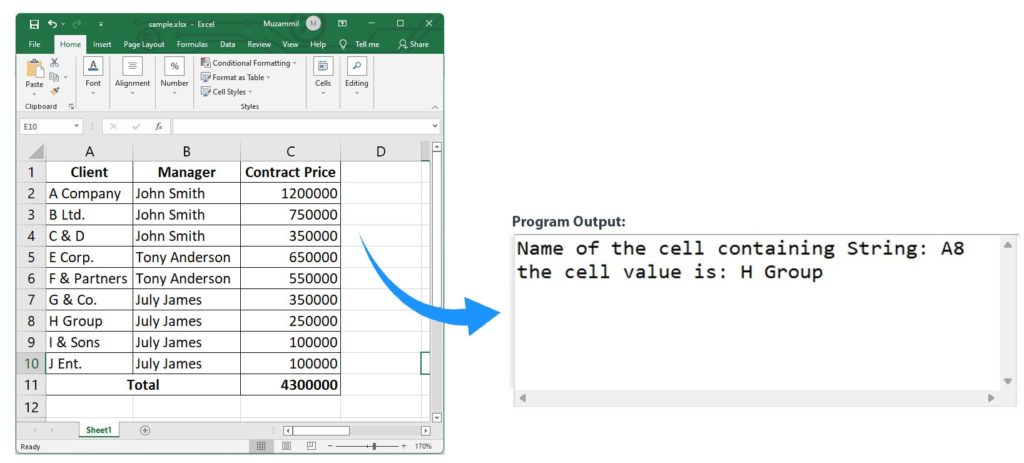
Find Text Starting with Specific Letters.
Search Text Ending with Specific Letters
To locate text that ends with specific letters, set LookAtType to “END_WITH”.
The example finds text ending with “any”.
Find Text Containing Specific Letters
To locate text that contains a substring, set LookAtType to “CONTAINS”.
The example finds text containing “comp”.
Search with Regular Expression in Excel using Java
Enable regular‑expression search by setting the Regex Key to true and LookAtType to “CONTAINS”.
The sample shows how to find text using a regular expression.
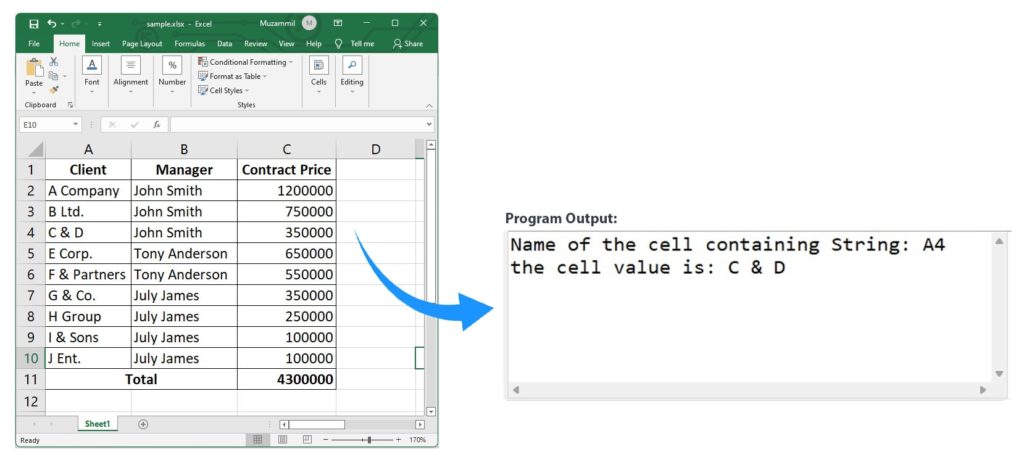
Search with Regular Expression in Excel using Java.
Case-Sensitive Search in Excel using Java
Set the CaseSensitive property to true to perform a case‑sensitive search.
The example demonstrates how to find a case‑sensitive text.
Search Formula in Excel using Java
Steps to locate cells that contain formulas:
- Load the workbook with Workbook.
- Access the first worksheet.
- Retrieve the sheet’s cells.
- Create a FindOptions instance.
- Set LookInType to “FORMULAS”.
- Use Cells.find() with the search string and FindOptions.
The code shows how to find a formula cell.
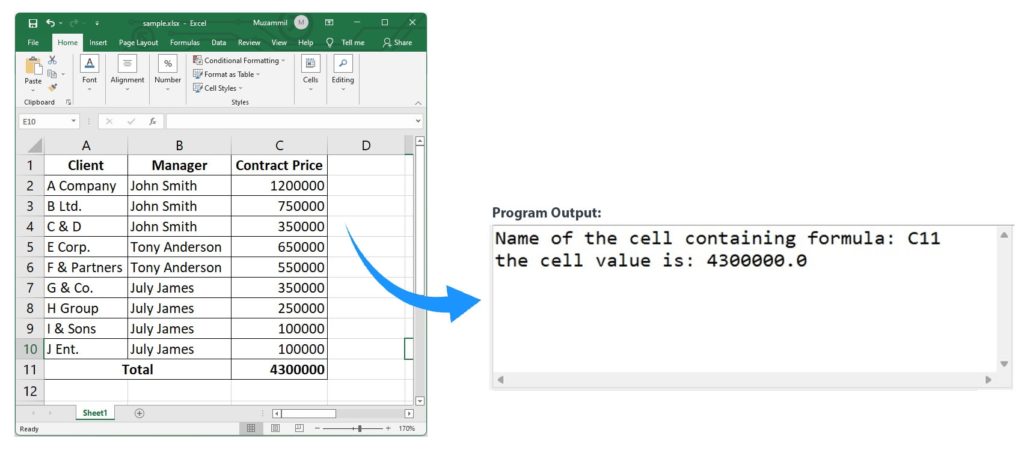
Search Formula in Excel using Java.
Get a Free License
Try the API without evaluation limits by requesting a free temporary license.
Conclusion
In this article we covered how to find text or formulas in Excel using Java. You learned to search for text that starts, ends, or contains specific letters, as well as how to use regular expressions and case‑sensitive searches. For more details, see the Aspose.Cells for Java documentation or ask questions on the forum.